
GPS and navigation apps for hikers
A phone in your pocket is a capable trail map — offline topo layers, a live position dot and a breadcrumb trail of everywhere you've walked. It is also a battery that drains, a screen that glares and a piece of glass that breaks. Here's what these apps genuinely do well, where they let hikers down, and how to use one without becoming dependent on it.

In plain English
A navigation app turns your phone into a map that shows a dot where you are standing. It is like the blue dot on a city map app, but it works even when you have no phone signal, as long as you saved the map before you left.
The catch is that a phone is a delicate, battery-powered tool. Cold drains it, rain confuses the touchscreen, and a drop on rock can end it. That is why hikers treat the app as a helper, not the whole plan.
Pair it with a paper map, tell someone where you are going, and keep an eye on the battery the way you would watch the fuel gauge on a long drive. The app answers where am I; your planning answers whether you should keep going.
The short answer
GPS and navigation apps turn a phone into a capable trail map: downloaded offline topo maps, a live position dot, and a breadcrumb track of where you have walked. They are genuinely useful — but they run on a battery that drains, a screen that glares, and glass that breaks, so carry a paper map and compass too.
The useful way to think about a navigation app is as an instrument, not a guide. It is very good at answering one narrow question — "where am I right now?" — and much worse at the judgment calls that follow. This page covers what the technology does reliably, what it does not, and the habits that keep a phone from becoming a single point of failure on the trail.
What these apps do well
Three capabilities do most of the work, and they are worth understanding separately because they fail in different ways.
Offline topographic maps. Before a trip you download the map tiles for your area to the phone's storage. On the trail the app draws those saved tiles with no data connection at all — contour lines, trails, water features, land boundaries. This is the single most important setting to get right, and the one hikers most often forget, because an app that looked perfect at home over Wi-Fi can open to a gray void at the trailhead.
A live position dot. The phone's GPS receiver reads signals from satellites and places you on that map, usually to within a few yards in the open. On an ambiguous trail junction, in a burn scar full of use-paths, or where a snow patch has erased the tread, knowing precisely which of three lines you are standing on resolves the problem in seconds. It is the fastest confidence check in navigation.
Breadcrumb tracking and downloaded routes. Start a recording at the trailhead and the app draws your actual path as a line. That track is a reliable way back in fog, in dusk, or after a wrong turn, and it doubles as a record of distance and elevation gain afterward. You can also load a route before you go — a GPX file of the trail you intend to walk — and simply check that the dot stays on the line.
Used well, that combination catches navigation errors early, when they are still small. Most people who get seriously lost did not make one dramatic mistake; they made a small one and walked on it for an hour.
Where they fall short
Every limitation below is predictable, which means every one can be planned around.
Battery is the real constraint. Continuous tracking with a bright screen waking every few minutes is one of the most power-hungry things a phone does, and cold weather cuts usable battery life sharply on top of that. A phone that comfortably lasts a workday can be dead well before you reach the car. Plan for a shorter runtime than you think you need.
No cell signal does not mean no GPS. This is the most common misunderstanding in hiking navigation, so it is worth stating plainly: GPS and cell service are different systems. GPS is a one-way broadcast from satellites that your phone receives for free, anywhere with a view of the sky, with no carrier involved. Losing bars does not switch it off. What you lose without a connection is the ability to download anything new — which is exactly why the maps have to be saved in advance. Airplane mode with location services on is a perfectly normal way to navigate.
Screens fight the environment. Direct midday sun washes out a display just when you want to read fine contour detail, and bright screens burn power. Wet fingers, gloves and rain on the glass all make touch input unreliable — and a phone that has to come out of a pocket for every junction gets dropped eventually.
Phones break and fail. They land screen-first on rock, get soaked in a river crossing, or shut down without warning in freezing temperatures. A dry bag or a waterproof case, plus a habit of tethering the phone to a strap or pocket, prevents most of it — but not all of it, and that residual risk is the whole argument for a backup.
Accuracy has limits too. Deep canyons, dense tree canopy and steep slopes can degrade a position fix, and elevation readings from a phone are usually less precise than horizontal position. Treat the dot as very good information, not as gospel — and sanity-check it against the terrain you can actually see.
The two categories worth knowing
Hikers reach for two different kinds of tool, and conflating them causes real problems. We deliberately do not rank specific apps here — we have not used and evaluated navigation software the way we evaluate packs, so naming a "best" one would be an opinion dressed up as research. What follows is how the categories differ, so you can judge the options yourself.
Offline-map and route apps
These are phone apps built around downloadable topographic maps, route libraries and track recording. Widely used examples include Gaia GPS, AllTrails and onX Backcountry — listed purely as a factual illustration that this category exists and is mainstream, not as recommendations, and each has its own features, subscription terms and map sources. When you compare them, the questions that actually matter are: can I download maps for a defined area in advance, which map layers are included offline, can I import and follow a GPX route, and how much battery does tracking cost on my phone?
Satellite-connected devices and trackers
These are a different category entirely: dedicated satellite messengers and personal locator beacons that communicate over satellite networks where there is no cell coverage. They are not primarily maps. Their job is to send a check-in, exchange short messages, or trigger an SOS to an emergency coordination center when something has gone wrong. Most require a subscription, and a beacon is a last-resort device, not a substitute for judgment. If you hike beyond cell coverage — which is most interesting terrain — this is the category to read up on next, starting with our guide to satellite messengers.
A useful framing: the first category helps you avoid trouble; the second helps you summon help once you are in it. Neither replaces the other.
Making the battery last
Almost every "my GPS died" story is really a battery-management story. These habits cost nothing and buy hours.
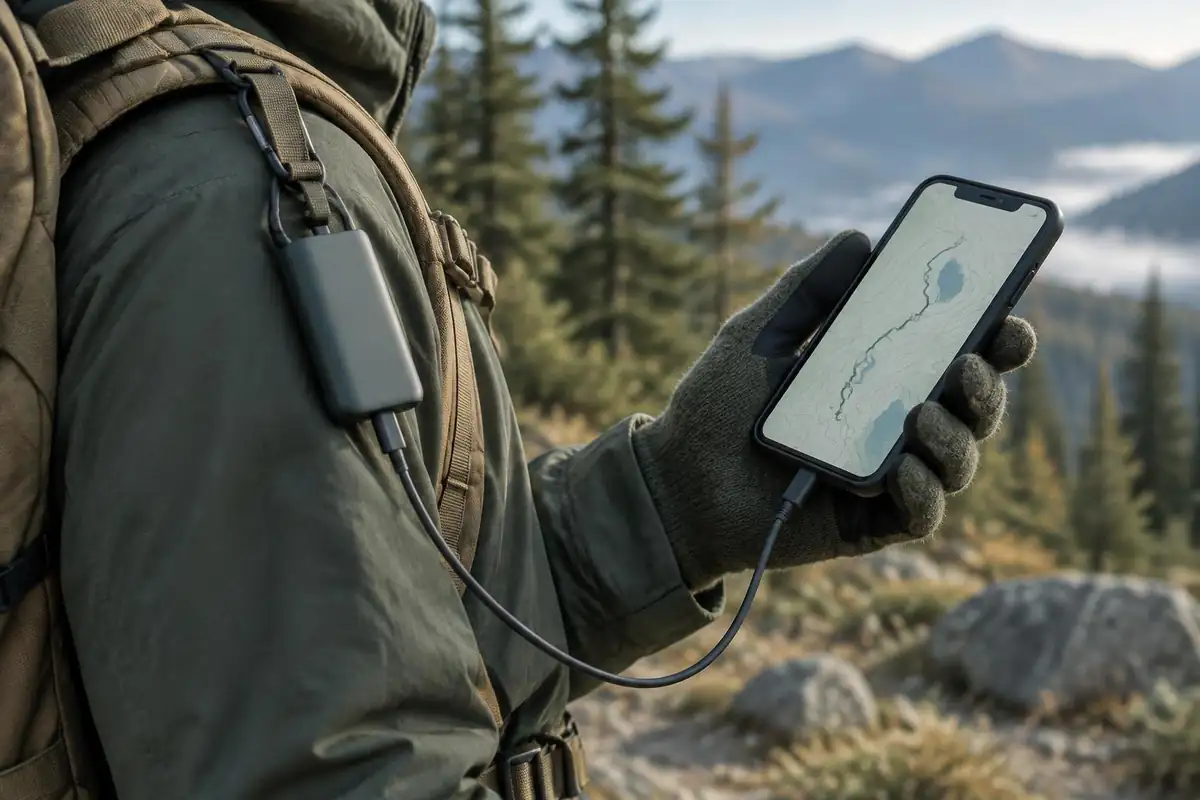
Do
- Start the day at 100% and carry a charged power bank and cable.
- Download all map tiles and routes while you still have Wi-Fi.
- Use airplane mode with location services on — the radios hunting for a tower drain more than GPS does.
- Record the track with the screen off, and wake it only to check position.
- Keep the phone warm in an inside pocket when it is cold out.
- Turn the screen brightness down and shorten the auto-lock timer.
Don't
- Leave the phone searching for signal all day in a dead zone.
- Navigate with the screen on continuously — check, then pocket it.
- Rely on one device with no backup power and no paper.
- Shoot video and photos all day on your only navigation tool.
- Leave the phone loose in an outside pocket in rain or cold.
- Assume a cold-soaked battery reading is accurate — it can drop fast.
One more habit worth building: check the battery percentage at your turnaround point, not at the summit selfie. If you would not have enough charge to navigate home, that is information you need before you commit to more distance.
Why a paper map and compass still matter
None of this is an argument against using an app. It is an argument against depending on one. A map and compass have no battery, no screen to break, no software to crash and no subscription to lapse. They weigh a few ounces and they work in the rain.
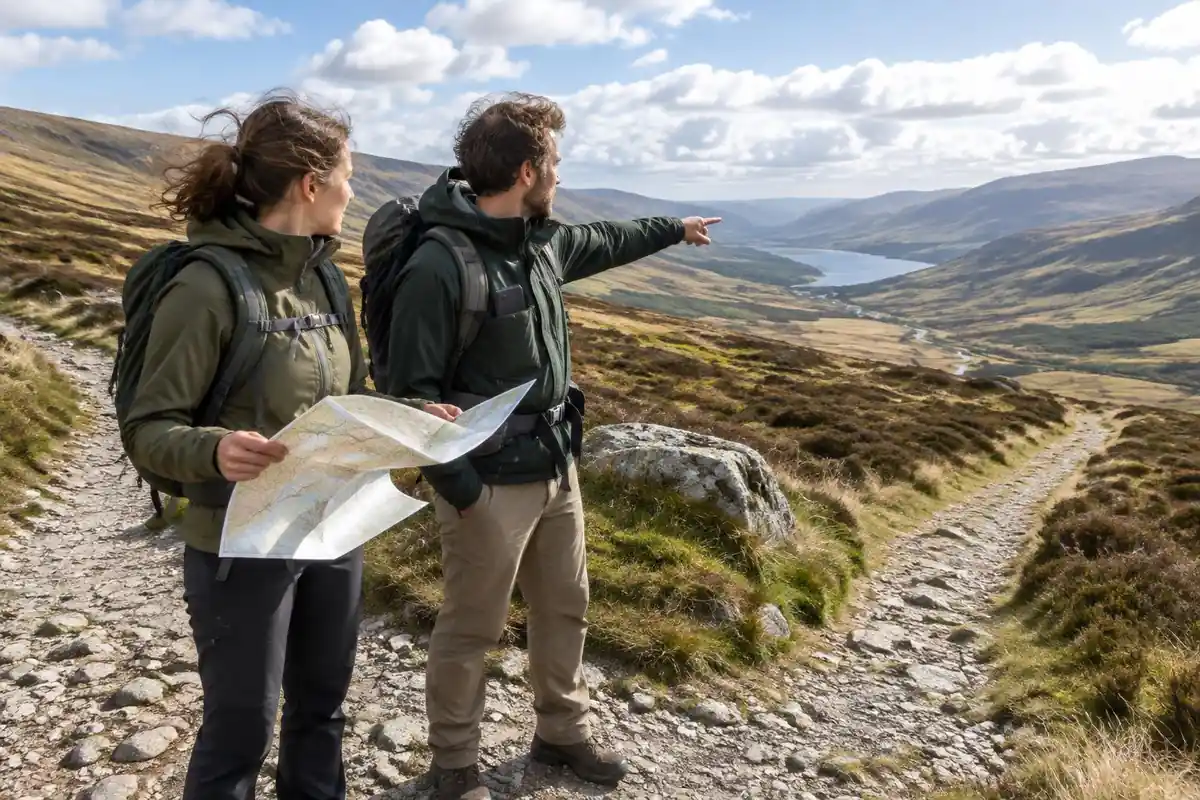
- Carry the paper map for your route. Printed or printed-at-home, kept in a zip bag, and stowed somewhere you can reach without unpacking.
- Learn the skills before you need them. Taking a bearing, orienting a map and following a heading are not things to learn for the first time in fog. Our map and compass guide covers the fundamentals in depth.
- Learn to read the terrain. Contour lines tell you what the ground ahead is doing, which is the skill the app cannot do for you — start with how to read a topo map.
- Cross-check as you walk. Glance at the paper map at each junction and match it to what you see. That habit builds the mental picture that makes a wrong turn obvious.
- Tell someone your plan. No navigation tool substitutes for a person at home who knows your route and when to worry.
The hikers who navigate best treat the phone as the fast answer and the map as the understanding. Use the app to confirm what the terrain already told you, and you will rarely be surprised — and on the day the screen goes black, you will still know roughly where you are.
This is general trail-craft, not emergency advice. No app or device guarantees a rescue, and coverage, accuracy and response times vary. Build your plan so that losing a phone is an inconvenience rather than an emergency, and in a genuine emergency call your local emergency number (911 in the US) as soon as you can.
Where the blue dot and the map can both be wrong
Great Smoky Mountains National Park warns that GPS units and vehicle navigation can give inaccurate information in mountain terrain, and that dense canopy and deep valleys reduce satellite correction quality.1 That matches what the page says about canyons and tree cover, but the park adds a second, less obvious problem: the map under the dot. Commercial base maps often show wrong road names, roads that do not exist, and misdirected trails.1
So an app can fail in two independent ways: the position can drift, and the map can be wrong even when the position is right. Cross-checking against an official park or forest map, and against the terrain you can see, catches both. The Forest Service's winter guidance puts it simply: use navigation devices together with a paper map.2
Phones, beacons and what search and rescue needs
The National Park Service advises against relying on a cell phone for emergencies and suggests considering a personal locator beacon. It also asks hikers to leave a trip plan, including route, contacts, timing and companions, with someone who is not on the trip, because that plan helps search and rescue.3
If you do get lost, the park service's advice is to stay put unless there is an immediate threat to life, since moving makes you harder to find. At night, a headlamp or phone light can signal SOS as three quick, three slow and three quick flashes.4 Both depend on having battery left, which is one more reason to stop recording video and dim the screen early in the day rather than late.
Planning the battery around daylight
Battery and daylight run out together more often than people expect. NOAA's solar calculator gives sunrise, sunset and solar noon for any location, though actual sunrise and sunset can differ slightly from calculated values.5 The National Weather Service notes that during civil twilight, after sunset, terrain is still visible and artificial light often is not needed; in the darker nautical twilight that follows, detailed outdoor activity is likely curtailed without a light.6

A practical rule: set your turnaround from the sunset time, then check your battery at that turnaround. If the phone would not last the walk out with the screen off most of the way, the paper map is now your primary navigation tool, and it is better to know that in daylight.
Frequently asked questions
Does a GPS app work without cell service?
Yes. GPS is a one-way signal broadcast by satellites, and your phone can read it with no cell service at all. What you lose without a signal is the ability to download map tiles, so the position dot ends up floating on a blank screen. Download the offline maps for your area before you leave the trailhead.
How much battery does a navigation app use?
It varies with the phone, the temperature and how often the screen wakes, but continuous tracking with frequent screen-on time can drain a battery in a few hours. Recording a track with the display off is far cheaper. Assume less life than you expect, especially in the cold, and carry a charged power bank.
Do I still need a paper map if I have a GPS app?
Yes. A phone is a single point of failure: it can run flat, shut down in the cold, or land screen-first on rock. A paper map and compass weigh a few ounces, need no power, and keep working when the phone does not — provided you have learned to use them before the day you need them.
What is the difference between a navigation app and a satellite messenger?
A navigation app shows you where you are on a map. A satellite messenger is a separate device that sends short messages and an SOS over a satellite network where there is no cell coverage. They solve different problems: one is orientation, the other is communication when something has already gone wrong.
Can an app help me find my way back?
Most navigation apps can record a breadcrumb track as you walk, and you can retrace that line to return the way you came. It is a genuinely useful safety net in fog or fading light, but it only helps if you started recording at the trailhead and the phone still holds charge for the walk out.