
The digital-nomad hiking setup
Basing yourself near trails while you work means one bag has to do two jobs — protect a laptop through a work session, then carry you up a ridge an hour later. This setup is built around that overlap, piece by piece, so the switch between desk and trail takes no repacking at all.
Affiliate disclosure: this page contains affiliate links. Purchases made through them may earn us a commission at no extra cost to you. See our affiliate disclosure.
In plain English
This setup is for people who work on a laptop while traveling and want to hike near where they're staying. One backpack does both jobs: it carries your computer to a café in the morning and your water and rain jacket up a trail in the afternoon.
The laptop needs extra care. A padded pocket protects it from bumps, a bit like a phone case, but padding doesn't stop water. So the laptop and chargers also go inside a waterproof bag that rolls shut at the top, the same kind people use on canoe trips.
The other big idea is keeping a few hiking basics in the bag all the time: water, a light rain jacket, a small flashlight you wear on your head, and a first-aid kit. That way, if the weather is nice after a meeting, you can just go. For bigger hikes, leave the laptop at home.
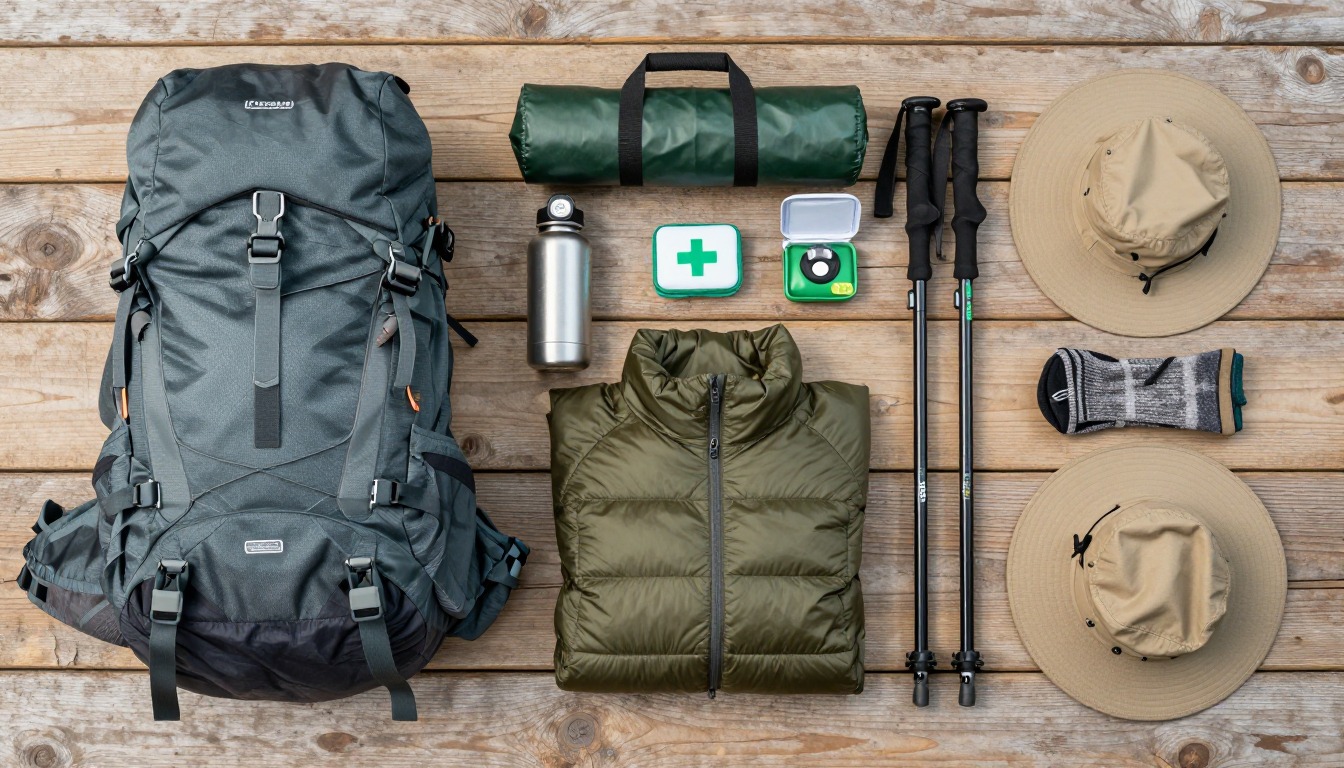
This kit is built around one constraint: the same bag has to protect a laptop through a work session and then function as a real daypack soon after, with no swap of gear in between. That means tech gets its own protected space — a structured compartment plus a dry bag — power and connectivity get planned as a system rather than an afterthought, and a slim, permanent layer of day-hike essentials lives in the bag at all times so a good weather window doesn't require any extra packing. Nothing here assumes you're carrying a full backpacking load; this is a working setup that stays half-ready for a trail.
This suits remote workers and location-independent travelers basing themselves near trailheads for days or weeks at a time — people who might work all morning and hike in the afternoon, or the reverse. It's built around day hikes and short outings squeezed between work blocks, not multi-day treks; if you're heading out overnight, add the sleep and shelter system from the weekend backpacking setup instead. It also isn't the lightest possible daypack, since it's carrying real tech weight — if you want a minimal hiking-only kit, the plain day-hike setup will be lighter.
- Start with the daypack and make sure its laptop compartment is genuinely padded and separate from the main body — that's the one feature you can't retrofit easily later.
- Add the tech-protection layer: a dry bag sized for your laptop and accessories, plus the power bank and cables that keep everything charged away from an outlet.
- Build in a permanent trail layer — water, a rain shell, a headlamp, first aid — that never comes out of the bag, so a spontaneous hike needs no extra prep.
- Test the whole combination on one real work-then-hike day before relying on it for weeks — you'll quickly feel where the balance between 'work bag' and 'day pack' needs adjusting.
About this setup
Working while chasing good trails is less about gear innovation than about compromise: a laptop bag isn't built to survive a scramble, and a hiking pack isn't built to protect an expensive machine. The digital-nomad hiking setup lives in that overlap — a daypack with a genuinely padded laptop compartment, treated with the same seriousness as its water bottle pocket. Get that one piece right, and the rest of the kit is closer to an ordinary day-hike list than most people expect.
The part that trips people up isn't the hiking gear, it's the logistics around power and connectivity. A dead laptop or phone battery mid-trip is a bigger problem here than it is for a purely recreational hiker, because it can mean a missed deadline or a client call, not just an inconvenient afternoon. Planning the charging chain — power bank capacity, the right cables, a backup way to get online — deserves the same attention a backpacker gives a stove and fuel supply.
The other shift is rhythm: rather than one big trip, this is usually a string of shorter ones — a morning of work, an afternoon on a nearby trail, repeated for days or weeks from one home base. That's why so much of this kit is about things that live permanently in the bag rather than gear you pack and unpack each time. The less friction there is between finishing a call and being on the trail, the more you'll actually use it.
The pack that doubles as your work bag
One bag has to carry a laptop through a work session and then disappear onto a trailhead soon after — that dual job shapes every choice in this section.

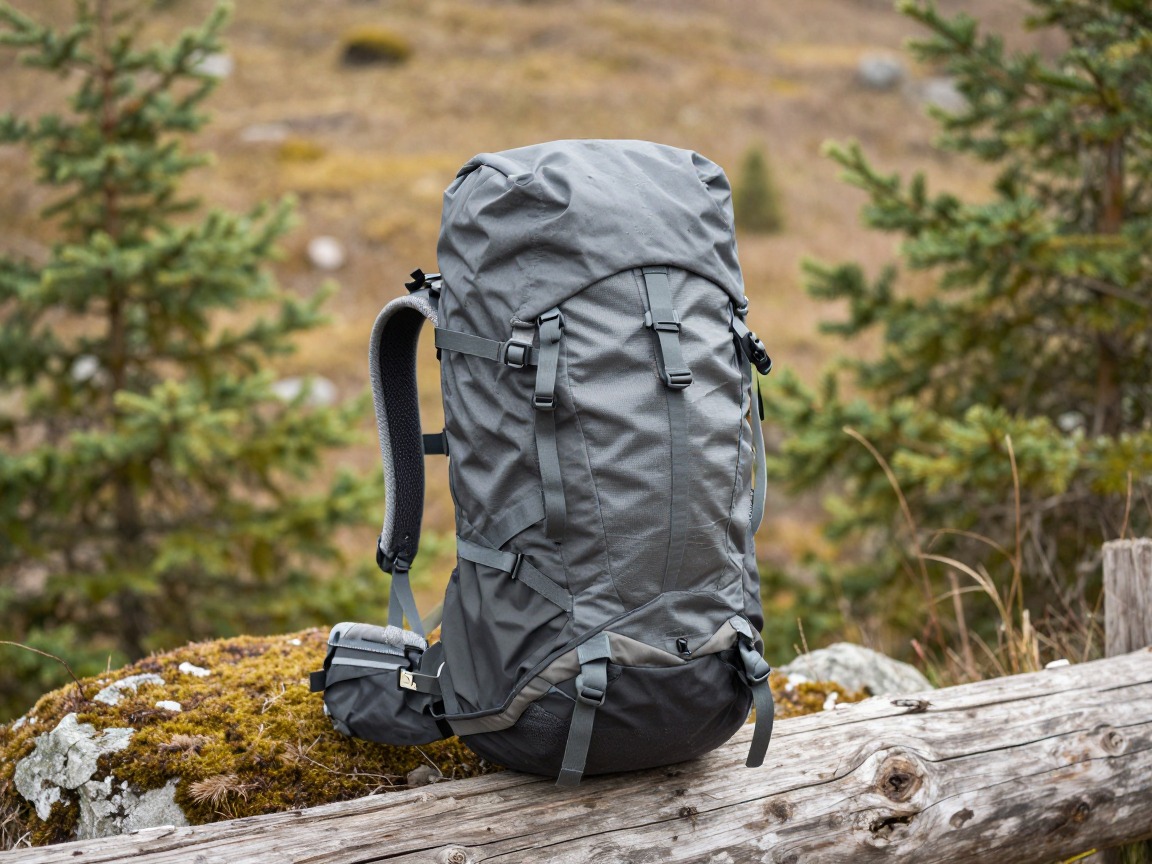
Laptop-ready daypack
Your single bag for both the co-working session and the afternoon trail — it needs a structured compartment that protects a laptop, plus enough room left over for water, snacks and a layer once you swap desk for dirt.
What to look for: A padded, structured laptop compartment separate from the main body, a supportive back panel and hip strap for when it's loaded with a trail lunch instead of a laptop, and roughly 20–30 L so it works for both jobs without feeling like two bags.
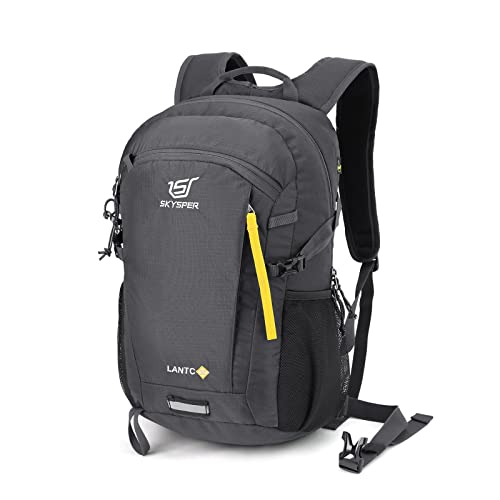 SKYSPER Small Hiking Backpack Check price
  Osprey Sportlite 20L Lightweight Hiking Backpack Check price
 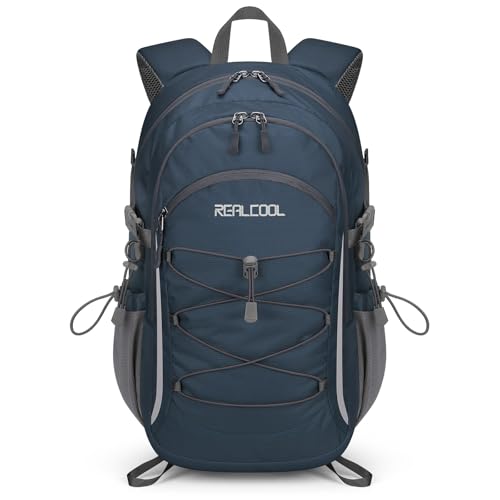 RealCool 20L Lightweight Hiking Backpack Check price
 - A padded laptop sleeve, if your pack's built-in compartment isn't already padded
- A slim organizer pouch for cables, adapters and a mouse
Keeping tech dry and protected on trail
A laptop and phone don't forgive a sudden downpour or a stream crossing the way a base layer does — treat electronics as the one thing in the pack that genuinely can't get wet.
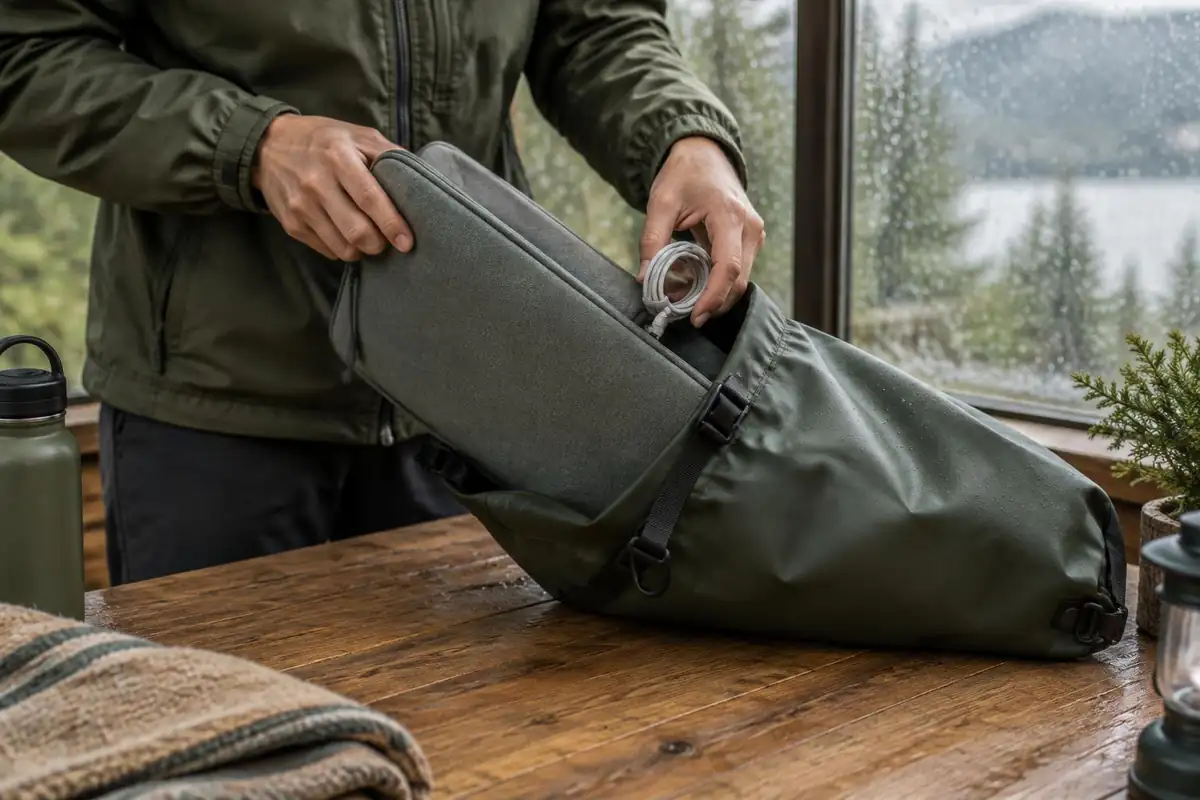
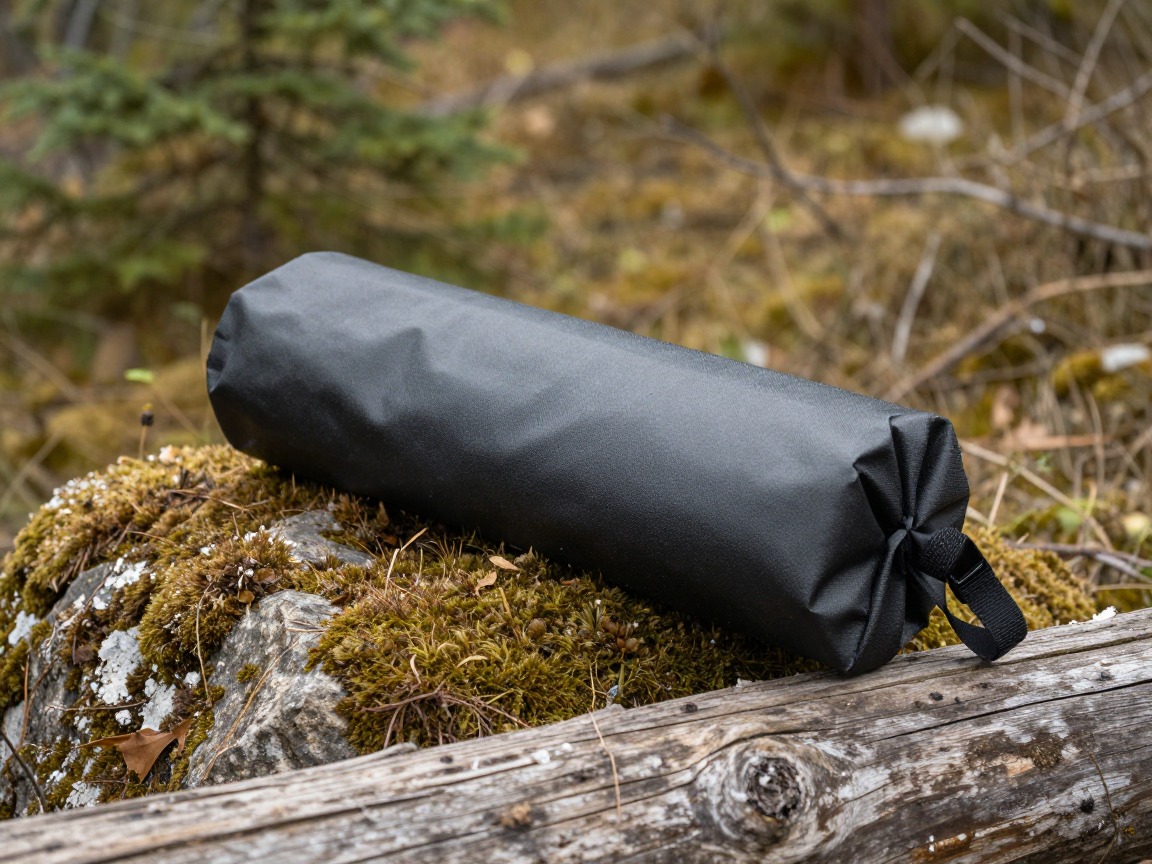
Dry bag for electronics
A roll-top dry bag that lives inside the pack and holds your laptop, phone, cables and any spare battery — insurance against rain, splashes and the water bottle that inevitably leaks.
What to look for: A size that fits your laptop with room for accessories, a reliable roll-top seal (a few folds is the usual rule of thumb), and a light, tear-resistant fabric so it isn't dead weight on the days it doesn't rain.
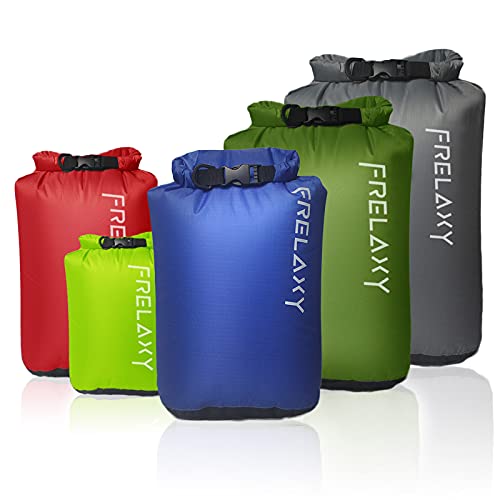 Frelaxy Dry Bag 5 Pack Check price
  ILZAR 6PCS Dry Bags Waterproof Check price
 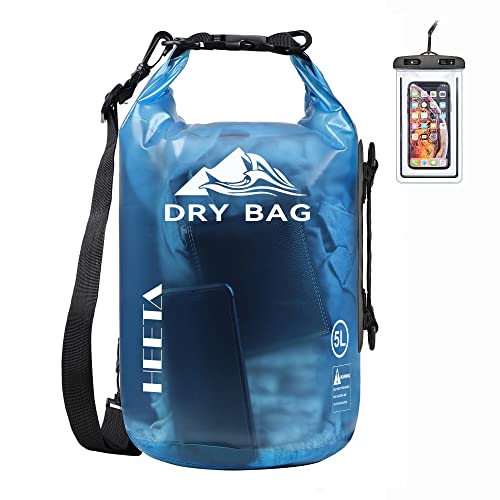 HEETA Dry Bag Waterproof Backpack with Phone Case Check price
 - A microfiber cloth for screens and camera lenses
- Silica gel packets if you're working in humid climates
Power, connectivity & staying reachable
Away from a wall outlet, your setup runs on batteries and whatever signal the trailhead offers — plan the charging chain before you plan the hike.
- A high-capacity power bank sized to recharge your laptop at least once, plus your phone
- The right charging cables and a compact multi-port wall adapter
- An international plug adapter if you're working from abroad
- A local SIM or eSIM, or offline maps and your itinerary downloaded before you lose signal
- A short list of nearby cafés or co-working spots with real outlets, saved in case a work session runs long
Trail-ready essentials, always packed
Keep a small, permanent day-hike layer living in the bag so a clear weather window between calls turns straight into trail time, with no re-packing required.
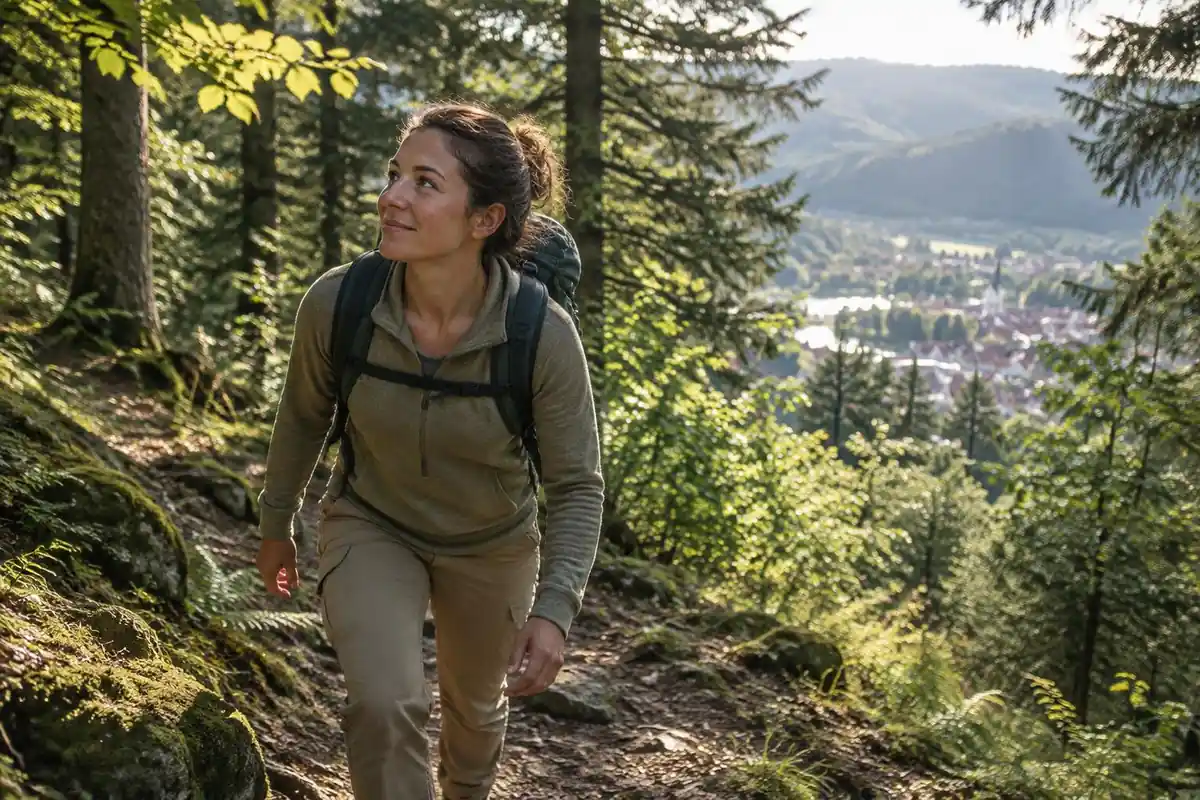

Water bottle
A tough, simple bottle that lives in the side pocket whether you're at a co-working desk or a mile up a ridge — one less thing to remember when a hike gets decided at lunch.
What to look for: A wide-mouth, leak-proof bottle around 1 L, easy to refill from a café tap or a trailside stream, and rugged enough to survive sitting in a bag next to a laptop.
 Nalgene 32 oz Wide Mouth Water Bottle Check price
  Nalgene 32 oz Wide Mouth Water Bottle Check price
  Nalgene 32 oz Wide Mouth Water Bottle Check price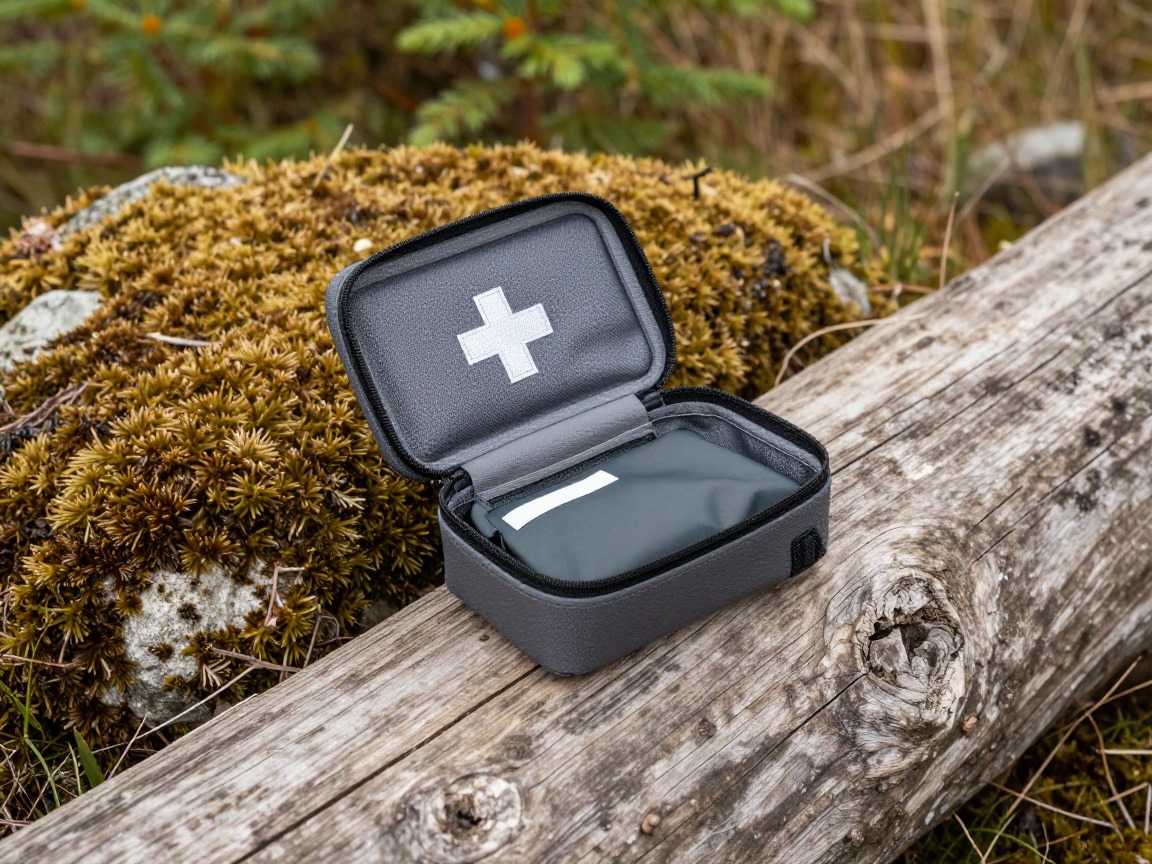
First-aid kit
A compact kit for blisters, small cuts and the basics — the same kit works whether the mishap happens on a summit or a curb outside a co-working space.
What to look for: Small and light enough to leave in the bag permanently, weighted toward blister care and minor wound cleaning, and paired with knowing how to actually use what's in it.
 Mini First Aid Kit - 150 Piece Small Waterproof EVA Hard Shell Case Check price
  Adventure Medical Kits Ultralight/Watertight Medical Kit .5 Check price
 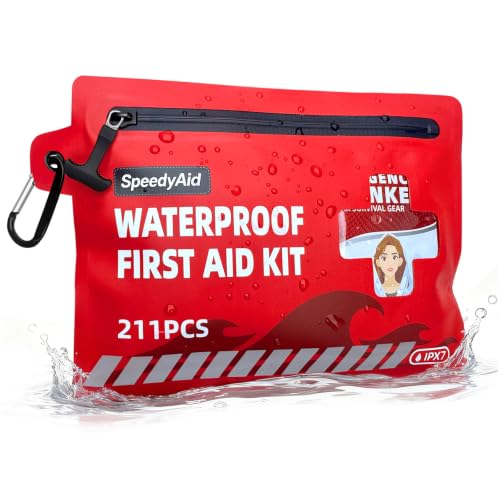 211 PCS Waterproof First Aid Kit Check price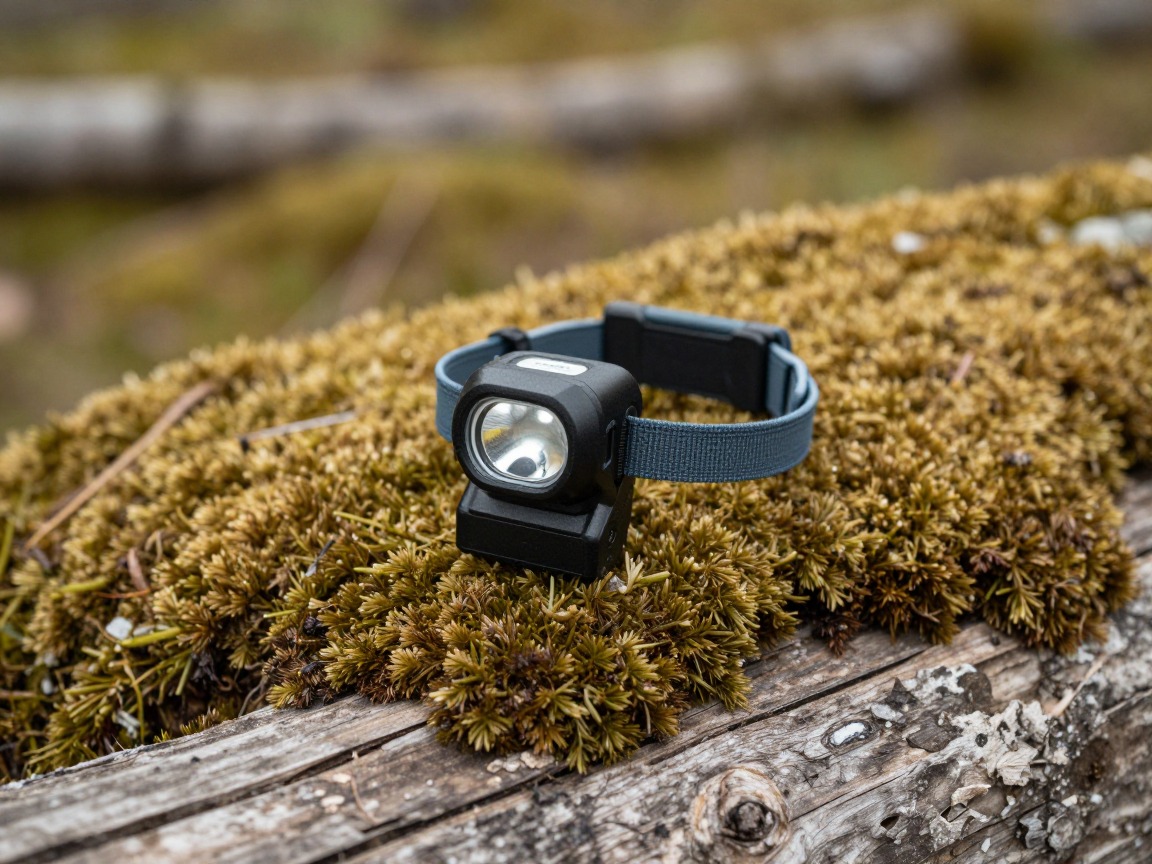
Headlamp
Work sessions run long and daylight is finite — a headlamp means an evening trail you didn't plan for doesn't turn into a problem.
What to look for: Compact enough to live in the bag unnoticed, reliable output for an unplanned descent in the dark, and either rechargeable via the same cable as your other gear or easy to find batteries for.
 LHKNL Headlamp Flashlight Check price
 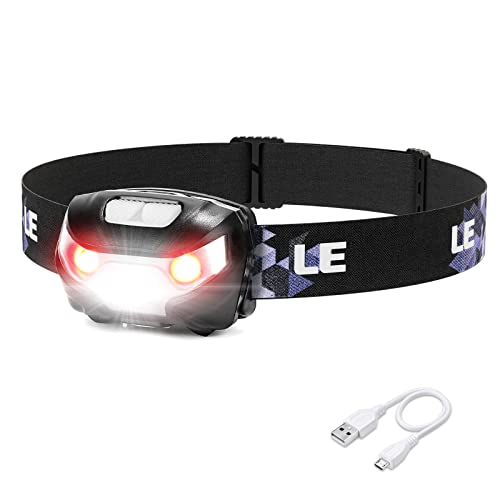 Lepro LED Headlamp Rechargeable IPX4 Waterproof Headlight 5 Modes - Check price
 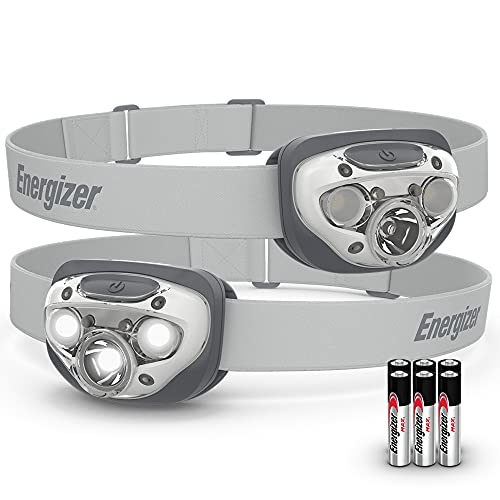 Energizer LED Headlamp PRO Check price
 Clothing & layers for the trail half of the day
You won't always have time to go home and change between a video call and a trailhead, so the layers that get you through a hike need to already be in the bag.
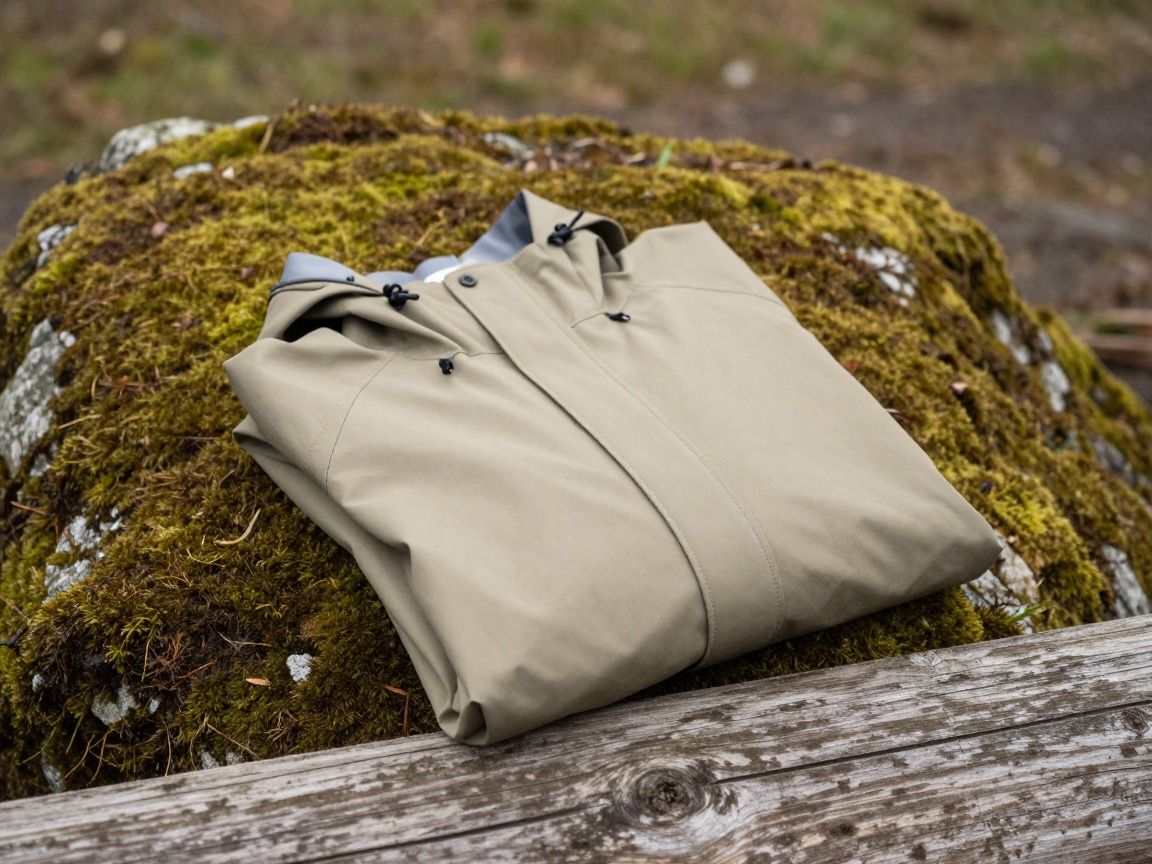
Rain shell
A packable waterproof shell that turns a surprise trail shower — or a walk to a café in the rain — into a non-event.
What to look for: Genuinely waterproof and breathable, small enough packed that it's easy to justify carrying every day, and roomy enough to layer over a work shirt.
 UIQUR Mens Rain Jacket Raincoat Waterproof Windbreaker Black L Check price
  COOFANDY Men's Waterproof Hiking Travel Shell Breathable Rain Jacket Check price
  Columbia Womens Arcadia II Waterproof Rain Jacket Check price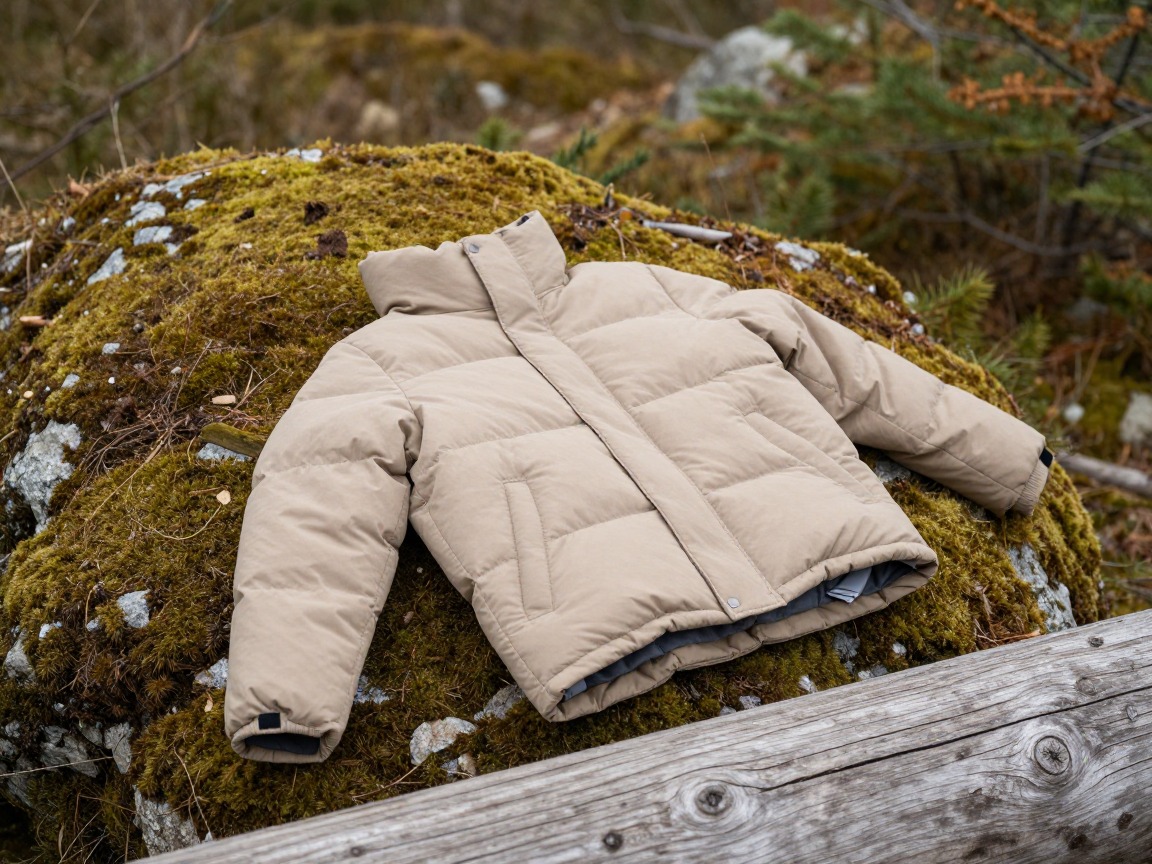
Insulating layer
A light packable layer for a cooling trailhead, a shaded summit, or an outdoor table once the sun drops — it pulls double duty on and off trail.
What to look for: The most warmth for its pack size and weight — a light fleece or a packable puffy both work — so it's no burden to carry on days you never open it.
 Outdoor Ventures Women's Packable Lightweight Puffer Jacket with Hoo Check price
  Amazon Essentials Women's Lightweight Long-Sleeve Water-Resistant Pa Check price
  Eddie Bauer Men's CirrusLite Down Hooded Jacket Check price
Spare hiking socks
A spare pair of real hiking socks kept in the bag so a spontaneous trail session doesn't happen in the cotton socks you wore to your desk.
What to look for: Wool or a wool blend for moisture management and odor resistance over a long day that mixes sitting and walking. Skip cotton — it holds sweat and breeds blisters.
 Alvada Merino Wool Hiking Socks Thermal Warm Crew Winter Boot Sock F Check price
  DANISH ENDURANCE Merino Wool Socks for Men & Women Check price
  innotree 3 Pack Men's Merino Wool Hiking Socks Check price
 - A change of trail-appropriate pants or shorts, if you commute to the trailhead in work clothes
Navigation & extras
A little redundancy here means you can say yes to a trail you find on a whim, without planning it like an expedition.
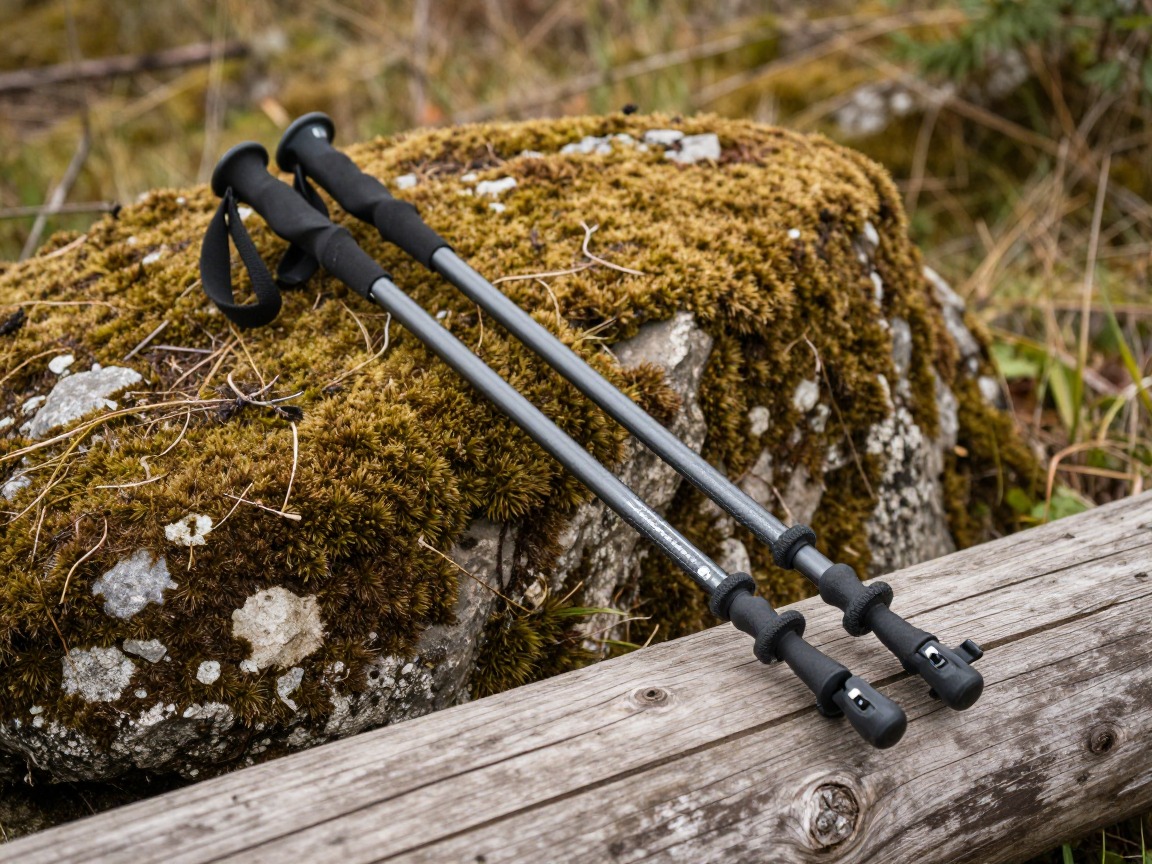
Trekking poles
Optional, but useful if your lunch-break hike turns into a steeper out-and-back than planned — they save your knees on the descent and steady you on rough ground.
What to look for: Adjustable length so they pack down small in or alongside your daypack, comfortable grips, and locks that hold under load without extra fuss to set up.
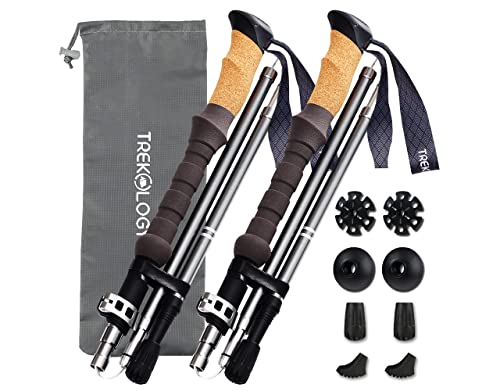 Trekology Trek-Z Cork Grip Collapsible Lightweight Hiking Trekking P Check price
 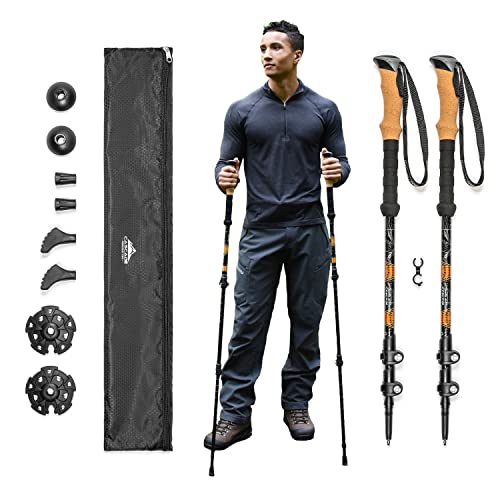 Cascade Mountain Tech Trekking Poles Check price
 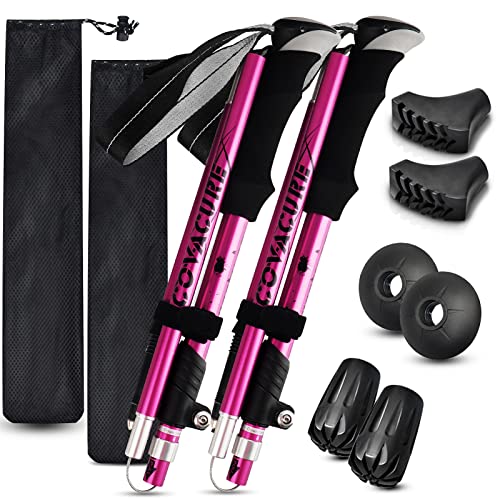 covacure Hiking Poles Check price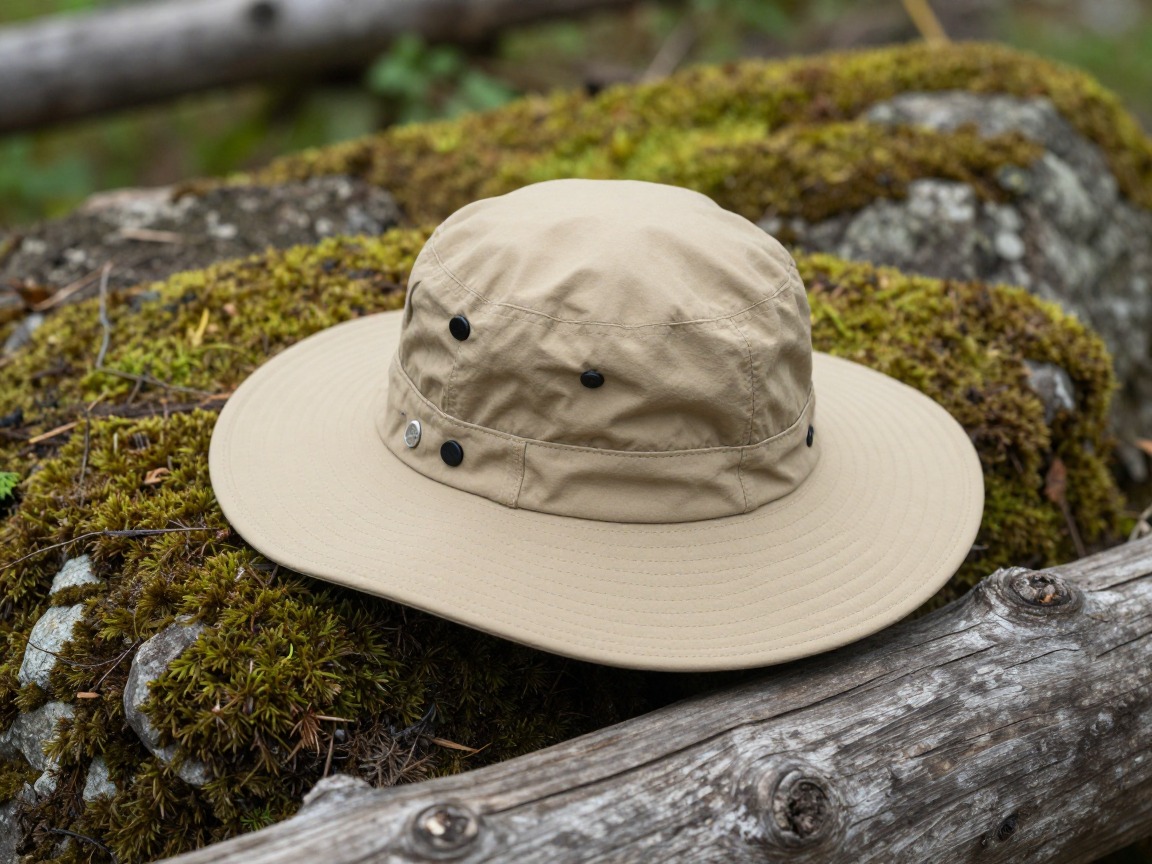
Sun hat
Sun protection you can leave in the bag and forget about until the trail breaks out of the trees.
What to look for: A packable brim that shades your face and neck, paired with sunscreen and UV sunglasses kept in the same pocket so you're never caught without them.
 FURTALK Womens Sun Hat with Ponytail Hole Beach Hiking Summer Wide B Check price
 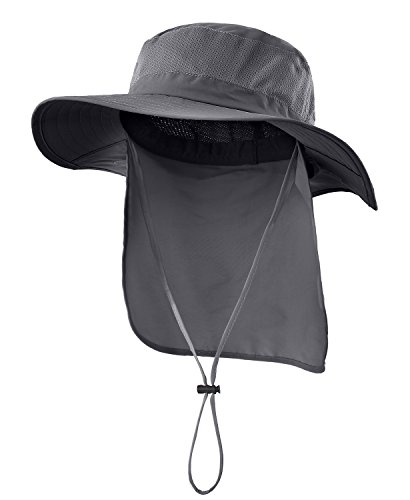 Home Prefer Outdoor UPF50+ Mesh Sun Hat Wide Brim Fishing Hat with N Check price
  FURTALK Sun Hats for Men Fishing Hat UPF Protection Wide Brim Bucket Check price
 - Map or offline trail app downloaded in advance
- Whistle
- A trailhead-to-town shuttle or transit note if you don't have a car
How to adapt this setup
Heading out overnight between work stints? Layer in the shelter and sleep system from the weekend backpacking setup — this kit assumes you're sleeping somewhere with a bed and an outlet, not out on the trail.
If your base has patchy signal, lean harder on offline maps, a downloaded itinerary, and a bigger power bank buffer — you can't count on a café Wi-Fi backup plan out there.
Add a universal plug adapter and check that your power bank is allowed in checked and carry-on luggage under your airline's battery-capacity rules before you fly.
Settled somewhere for weeks rather than days? Shift some of the redundancy — spare cables, a second dry bag — to your accommodation and carry a lighter daily kit.
Planning a bigger hike than a lunch-break loop? Borrow from the day-hike setup — more food, a fuller water plan, and trekking poles — and leave the laptop at your base for the day.
Common mistakes to avoid
- Trusting a padded pocket that isn't really padded — check the compartment yourself, don't assume 'laptop sleeve' printed on a tag means real protection.
- No dry bag for electronics, so one surprise shower or a leaking water bottle takes out a laptop.
- A power bank sized for phone top-ups only, when it also needs to recharge a laptop.
- Packing the trail layer only when a hike is already planned, instead of leaving it in the bag permanently — which is exactly why it doesn't end up getting used.
- No offline maps or downloaded itinerary, then losing signal right when you need directions back to the trailhead.
- Carrying full backpacking gear 'just in case' when the actual trips are day hikes — extra weight you'll feel on every single work-to-trail transition.
Make it yours
The weight cost of carrying your office
The page advises keeping hikes modest when the laptop comes along, and the physiology supports that. In a Journal of Experimental Biology study, metabolic energy use while walking rose roughly in a straight line with backpack load, by about 7.6 watts per extra kilogram.1 Army doctrine adds that placement matters: packing heavier items higher and closer to the body can cut marching energy cost by as much as 25% compared with low, away-from-body placement.5 A laptop compartment against the back panel is, conveniently, in the right place; a heavy power bank swinging in a front pocket is not.
Capacity sets a second limit. The Washington Trails Association suggests 25–30 L for a full-day hike.6 The page's 20–30 L range overlaps that, but once a laptop and its sleeve take their share, a 20 L pack has little room left for the water and layers a longer outing needs. That's the practical reason to leave the machine at base on a big hiking day.
Why a padded sleeve isn't waterproofing
The page separates impact protection from water protection, and that distinction is the whole point. Padding absorbs knocks; it does nothing to stop water. Waterproofing is measured: fabric is rated by hydrostatic head, the height of water column it holds back, so a fabric that leaks at 1 meter is rated 1,000 mm.4 MSR describes the test as pressing a column of water against fabric until three drops pass through.7
A pack body can use water-resistant fabric and still let water in at its zippers, seams and the gap around a laptop sleeve. A closed roll-top dry bag inside the pack is a second, continuous barrier, which is why the page treats it as the non-negotiable item. It also covers the problem the page flags most often: a leaking water bottle in the same pack.
Connectivity is not a safety plan
The page treats signal as a work problem, but it's also a safety one. The NPS advises hikers not to rely on a cell phone for emergencies, to consider a personal locator beacon, and to leave a trip plan with route, timing and companions with a trusted person who isn't on the trip.2 That applies to a quick afternoon loop as much as a long day, because a spontaneous hike is exactly when people skip telling anyone.
Offline maps help, with a caveat. Great Smoky Mountains National Park warns that GPS units can give inaccurate information in mountain terrain, that commercial base maps often show wrong road names and misdirected trails, and that dense canopy and deep valleys reduce satellite accuracy.3 Downloading the land manager's official map alongside your app covers that gap. The NPS also recommends headlamps as the light source for hikers because they're hands-free, which is why one belongs in the permanent kit for a hike that starts after a long work session.8
Frequently asked questions
What kind of backpack works best for hiking and working remotely?
A 20–30 L daypack with a genuinely padded, separate laptop compartment and a supportive back panel and hip strap. It needs to carry a laptop comfortably during a work session and then double as a real day-hike pack soon after, without swapping bags.
How do I keep my laptop safe from rain or water on the trail?
Use a dedicated roll-top dry bag sized for your laptop and cables, kept inside your pack's laptop compartment. Treat it the way backpackers treat a phone or sleeping bag in wet conditions — a padded compartment alone isn't waterproof.
How much power bank capacity do I need for working and hiking?
Enough for at least one full laptop recharge plus a phone top-up, since you may not see a wall outlet for a full day. Pair it with the right cables and a compact wall adapter so charging at a café or hostel is quick when you do get access to power.
Can I do a serious day hike with a laptop in my pack?
You can, but a laptop and its protection add real weight, so keep the hike itself modest rather than a big mileage day. For longer or more demanding hikes, it's worth leaving the laptop at your base and carrying the lighter day-hike kit instead.
What's different about packing for a work-and-hike trip versus a normal day hike?
The hiking essentials are almost identical — water, a shell, a headlamp, first aid. What's added is tech protection (a dry bag), a charging system (power bank, cables, adapters) and connectivity planning (offline maps, a SIM or eSIM), since losing power or signal matters more when there's work on the line.
Illustrative images show the type of gear, not specific products. Recommendations link to similar items on Amazon; we only ever link real listings and never show fabricated prices or ratings. General planning guidance, not a substitute for your own judgment or professional backcountry-safety instruction.